What is llms.txt and how do you create it? Complete guide 2026
The llms.txt file is an emerging standard that works like a roadmap to guide artificial intelligence crawlers (GEO and AEO) through your most valuable content.
Published on · Updated on · 9 min read
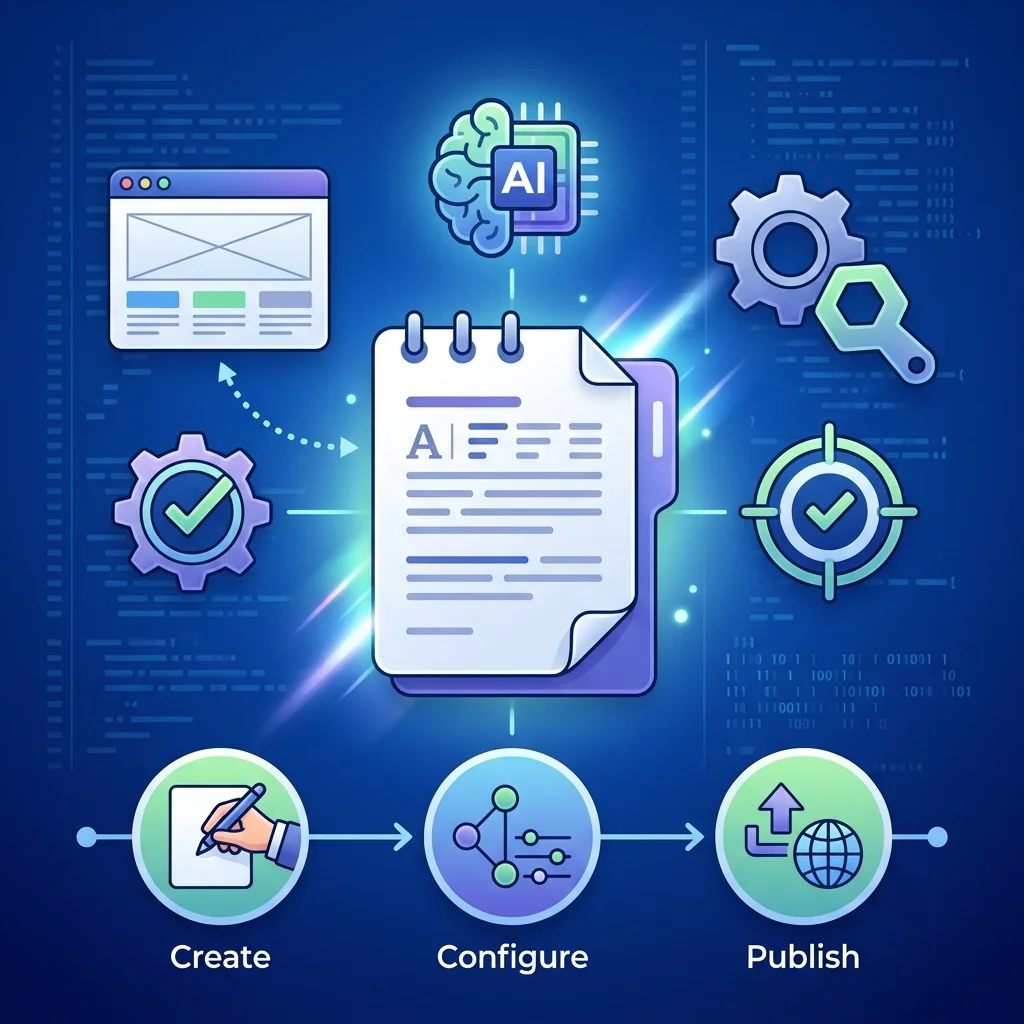
The llms.txt file is an emerging standard that works
like a roadmap to guide artificial intelligence
crawlers (GEO and AEO) through your most valuable content.
It’s located at the root of your site
(yourdomain.com/llms.txt) and, instead of showing a
list of pages, it offers a structured description of your site,
key resources and usage guidelines in Markdown format.
If this sounds like gibberish to you, before continuing I recommend reading what SEO is and how it works and how to optimize your website for AI (GEO).
How it works and why it matters
Guides language models: it provides a structured summary of your content, which allows LLMs to understand the architecture and purpose of your site more efficiently than crawling every page individually.
Improves AI visibility: tools like ChatGPT, Perplexity and Claude can use this information to provide more accurate answers and cite your content as a source. Companies like Vercel have reported that 10% of their new signups come from ChatGPT, a channel that’s powered by this kind of file.
It’s similar to robots.txt, but for AI: while robots.txt tells search engines which pages to crawl, llms.txt tells AI which pages are important and how it should understand and interpret them.
If you want to dive deeper into how AI search engines treat your content, check out what Google AI Mode is and how AI Overviews work and their impact on SEO.
How to create your llms.txt file: options by profile
There are several methods to generate this file. The one you choose depends on your level of technical knowledge and how you manage your site.
Option 1. Free web generators (no coding)
You only need your website URL. Tools like the DreamHost generator, Mintlify or Trazada’s analyze your site and, in seconds, give you an llms.txt file ready to download.
Option 2. Manual generators (for total control)
If you prefer to define each section yourself, you can use free tools that let you fill in fields manually (title, description, key links) and download the file.
It’s like creating a document from scratch, but with a visual guide so you don’t get the format wrong.
Option 3. Command-line tools (for developers)
For technical teams that prefer automation, there are
tools like llmstxt-generator that use AI to
analyze your site and generate the file directly from the terminal.
Option 4. WordPress plugins (total automation)
This is the most practical way if your site runs on WordPress. The plugin will do everything for you. If your WordPress needs care, remember that regular WordPress maintenance is also important.
- Installation: search for and install plugins like «Llmify – AI Readable», «LLMs.txt Builder» or «CodingBunny LLMs.txt Generator».
- Activation: once activated, the plugin will automatically generate your llms.txt file in the correct location (
yourdomain.com/llms.txt). - Customization: from the plugin’s admin panel, you can choose which content types to include (pages, posts, products) and configure details like whether to add post excerpts to the full version of the file (
llms-full.txt).
Practical implementation and final tips
Exact location: the llms.txt file must be hosted in the root directory of your website so AI crawlers can find it easily. If you use a web generator, you’ll download a file that you need to upload via FTP. With a WordPress plugin, this step is automatic.
Recommended structure: a well-formatted file follows this structure in Markdown format:
# Your site name (Main title)

> A brief summary of your site (Description for AI)

## Resources (Section with the most important links)

- [Link text](URL): Brief description. (List of key pages)
Key point: this file is a guide, not a blocker. Its goal is to make it easier for AI to «read» your site more efficiently, choosing the most relevant information to include in its answers to users.
If you’d rather have a specialist implement your llms.txt, I generate it for you, place it at the root of your domain and leave it optimized so ChatGPT, Gemini and Perplexity cite your content. Tell me about your project and I’ll reply in less than 48 hours.

Want AI to cite your website as a source?
I implement your llms.txt file and optimize your content for GEO and AEO.