How to create robots.txt and sitemap in 2026: a practical guide
Robots.txt tells search engines which parts of your site they can crawl, and sitemap.xml tells them which pages exist. Both are essential for good SEO and can be set up in minutes.
Published on · Updated on · 9 min read
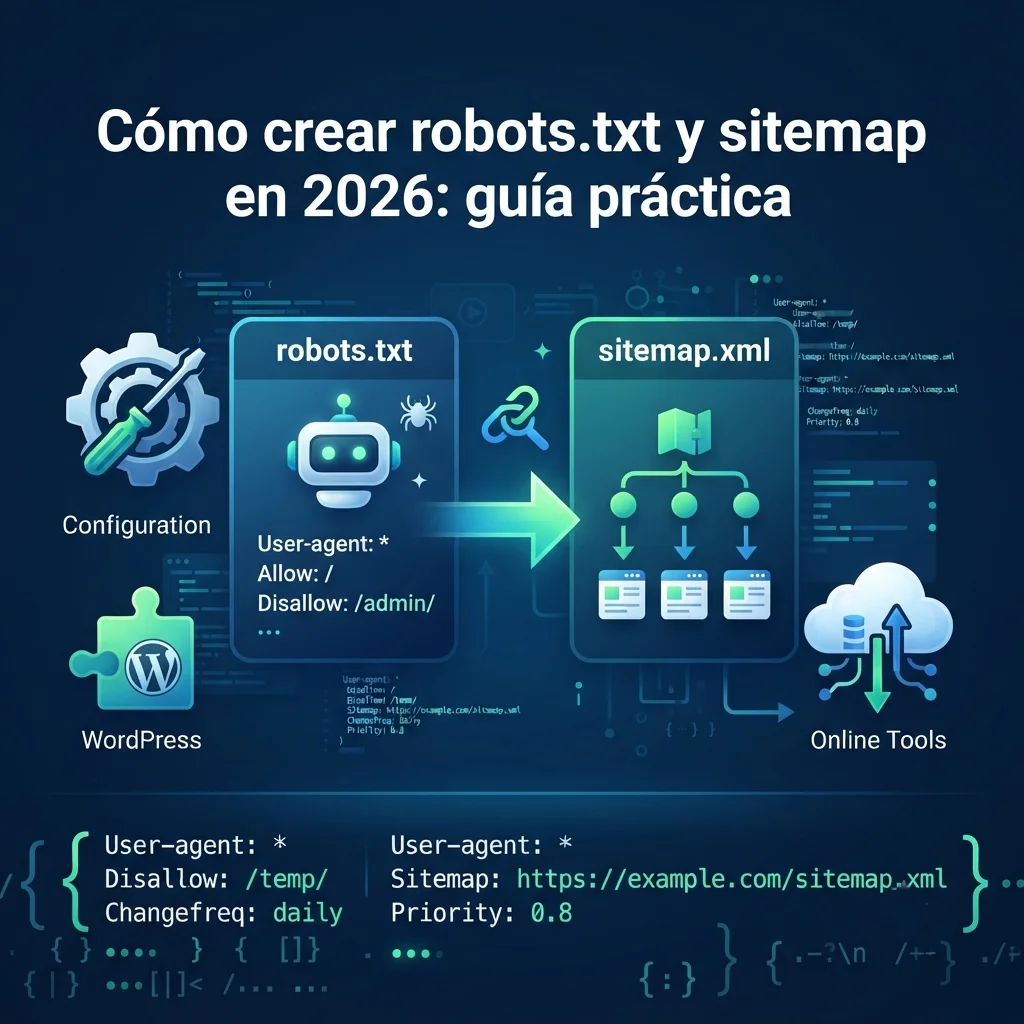
Creating a robots.txt file and a sitemap.xml is easier than you think. Robots.txt tells search engines which parts of your site they can crawl, while sitemap.xml tells them which pages exist and how to prioritize them. Both are essential for good SEO.
Both files must be at the root of your site, for example at
yourdomain.com/robots.txt and
yourdomain.com/sitemap.xml. Depending on your technical
level, you can create them by hand or use tools that make it
easier. If you’re starting from scratch, begin with
what SEO is and how it works.
Create the robots.txt file step by step
Follow these steps to create a correct robots.txt:
- Create the file: open a simple text editor (like Notepad). Don’t use a word processor like Word, as it adds characters that can cause problems.
-
Write the rules: the file is made up of
groups of rules. The basic structure is:
- User-agent: indicates which crawler (bot) the rule applies to (e.g. Googlebot). The asterisk
*means «all bots». - Disallow: tells the bot what not to crawl (e.g.
/wp-admin/). A single slash/blocks everything. - Allow: (optional) used to allow a subfolder inside a blocked folder.
- User-agent: indicates which crawler (bot) the rule applies to (e.g. Googlebot). The asterisk
-
Include the Sitemap: add the full path
to your sitemap at the end:
Sitemap: https://yourdomain.com/sitemap.xml.
Basic example:
User-agent: *
Disallow: /wp-admin/
Disallow: /search-results/

User-agent: Googlebot
Allow: /wp-admin/admin-ajax.php

Sitemap: https://yourdomain.com/sitemap.xml
This example allows general crawling of the entire site, but blocks
the folders /wp-admin/ and
/search-results/. It also gives a more specific
instruction to Google’s bot.
-
Upload the file: save the file as
robots.txt(making sure it doesn’t have an extra extension like.txt) and upload it to the root of your site, where yourindex.htmlor main page lives.
Create the sitemap.xml file step by step
The sitemap.xml is a list of the pages on your site that you want search engines to know about. How you create it depends on how your site is built:
- Use a plugin (WordPress): it’s the most common method. Plugins like Yoast SEO, Rank Math or the «Romesoft JSON-LD & Indexing Toolkit» generate your sitemap.xml automatically and update it when you publish or modify content.
- Online tools: you can use a free sitemap generator, which will crawl your site and create the file for you to download and upload manually.
- Create it manually (only if you have few pages): it’s an error-prone process, but you can write an XML file with the right structure if your site is very small.
Alternative methods to create these files (without touching code)
If you don’t want to complicate things, there are several alternatives that automate the whole process:
- WordPress plugins: they’re the easiest solution for most users. Plugins like Rank Math, Yoast SEO or Romesoft JSON-LD & Indexing Toolkit let you create and edit both robots.txt and sitemap.xml directly from the admin panel, without needing to access the server.
- Free online generators: if you don’t use WordPress, you can use tools like my free SEO tools or the SE Ranking Robots.txt Generator, which offer ready-made templates for different CMSs and guide you through the creation process.
Common mistakes and best practices
-
robots.txt does NOT block indexing: it’s a very
widespread and false idea. This file only prevents crawling, but
Google could still index a blocked page if it finds links to
it on other sites. To prevent a page from appearing in
results, you must use a
noindextag on the page itself. -
Wrong location: both files must be at
the root of the domain. For example,
yourdomain.com/robots.txtandyourdomain.com/sitemap.xml. - Don’t block CSS and JavaScript files: Google needs them to render your page correctly, which can affect your ranking. Make sure you don’t block them with your robots.txt.
If you want to complete the technical side of your site, check out how HTTP 404, 301 and other web errors that block Google work and how to check that your schema works.
In summary: robots.txt controls what
Google crawls, sitemap.xml tells it which pages exist. Both go
in the root of the domain, don’t block CSS or JavaScript, and remember that
robots.txt doesn’t prevent indexing: for that you need
noindex.
If you’d rather have a specialist set up these files, I review your site’s technical configuration, create or fix your robots.txt and sitemap.xml, and make sure Google crawls what it should and doesn’t waste time on what it shouldn’t. Tell me about your project and I’ll reply in less than 48 hours.

Want your site’s technical SEO under control?
I set up robots.txt, sitemaps, indexing and the whole technical side so Google crawls your site without errors.