What’s the difference between WordPress.com and WordPress.org?
WordPress.org = you control everything (and you’re responsible for everything). WordPress.com = it’s done for you (but with less freedom). I explain the key differences so you can choose well.
Published on · Updated on · 9 min read
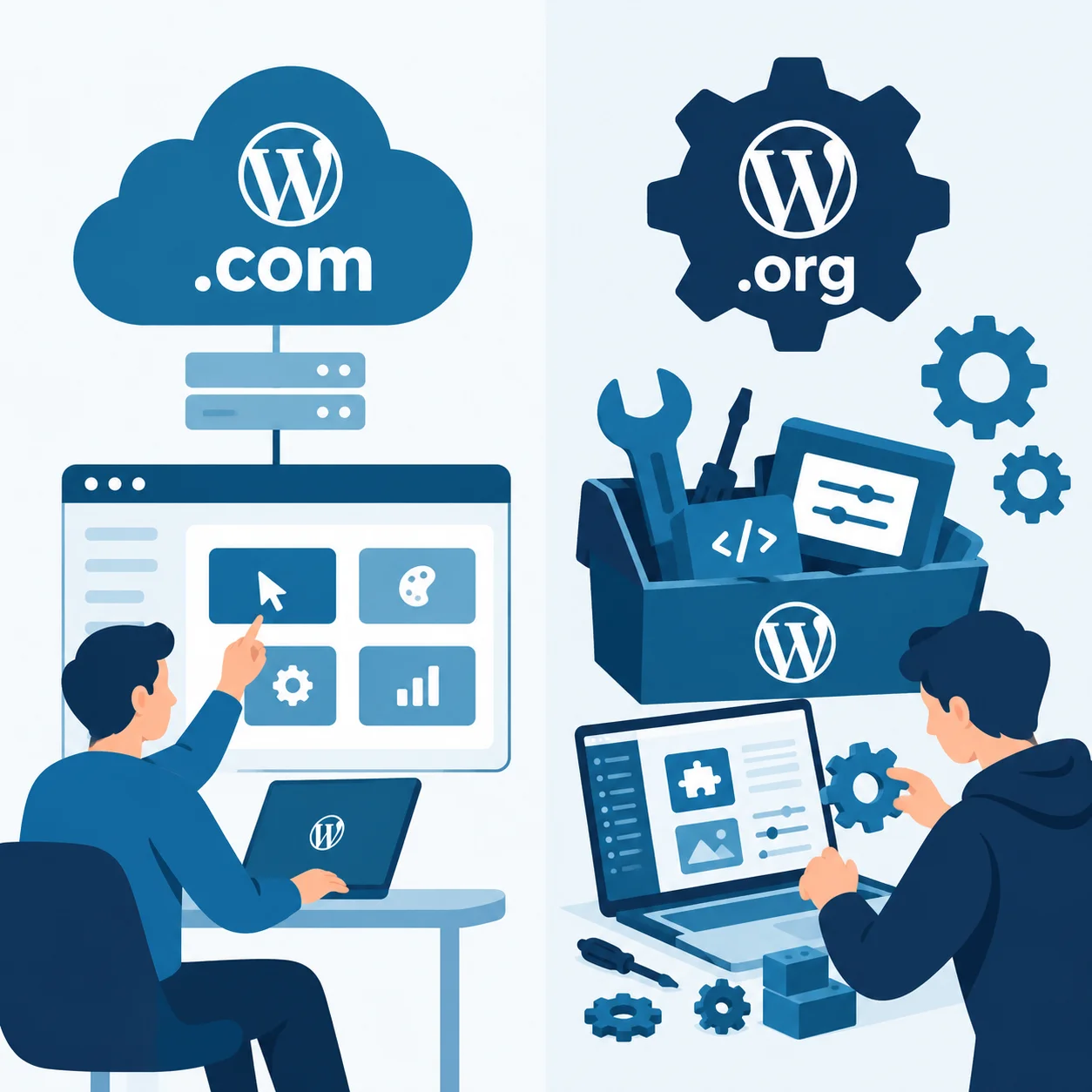
The main difference is who hosts your website: WordPress.org is the free, open-source software you download and install on your own hosting, giving you total control over your site; WordPress.com is a platform that hosts that same software for you, in exchange for a subscription, but with limitations on plugins, themes and monetization unless you pay the more expensive plans.
In short: WordPress.org = you control everything (and you’re responsible for everything); WordPress.com = it’s done for you (but with less freedom).
If you’re starting from scratch, begin with what SEO is and how it works to understand why the choice of platform affects your visibility.
What is WordPress.org
WordPress.org is the official site where the open-source WordPress software is distributed, for free. You download it and install it on a hosting server (like SiteGround, Hostinger or any provider with cPanel), and from there you manage everything: updates, security, backups, plugins and themes.
This is the version used by most professional websites, online stores and blogs with ambitions to grow, because it imposes no customization limits.
You need to hire separately:
- A hosting plan (web hosting).
- Your own domain (yourbusiness.com).
- Optionally, an SSL certificate (many hostings already include it).
If you’re going to manage your own installation, review this guide on why your WordPress needs maintenance and, if something goes wrong, how to fix the white screen of death.
What is WordPress.com
WordPress.com is a commercial platform, owned by Automattic, that hosts the WordPress software for you. You sign up, pick a plan and you already have a working website, without touching code or hiring hosting separately.
In exchange for that convenience, the free plan (and the basic plans) come with significant restrictions:
- You can’t freely install third-party plugins or themes.
- Your domain will be something like
yourblog.wordpress.com, unless you pay for a higher plan. - WordPress.com advertising appears on your site if you don’t pay.
- Monetization (your own ads, affiliate marketing) is limited on free and basic plans.
Quick comparison table
| Aspect | WordPress.org | WordPress.com |
|---|---|---|
| Software cost | Free | Free (basic plan) to paid (advanced plans) |
| Hosting | You hire it separately | Included in the price |
| Your own domain | Yes, from the start | Only on paid plans |
| Plugins and themes | Free, thousands available | Very limited except on the Business plan |
| Control and customization | Total | Limited |
| Maintenance and security | Your responsibility | Managed by WordPress.com |
| Monetization (ads, affiliate) | No restrictions | Restricted on lower plans |
| Ideal for | Businesses, online stores, professional blogs | Simple personal blogs, projects with no ambition to grow |
The key differences, explained
1. Control and customization
With WordPress.org you can install any plugin or theme, edit the code, create custom features and scale with no ceiling. With WordPress.com, unless you pay for the Business plan (the most expensive one), that freedom doesn’t exist.
2. Ownership of the site
On WordPress.org, the website is 100% yours: your data, your hosting, your domain. On WordPress.com, you depend on the platform’s policies, which can suspend or limit your account if you violate its rules.
3. Real cost
WordPress.org seems «free», but you need to pay for hosting and domain (usually between €3-10/month). WordPress.com also has a cost if you want your own domain, remove advertising or install plugins: its paid plans can end up being more expensive than hosting + WordPress.org in the long term.
4. Maintenance
WordPress.com handles updates, backups and basic security for you. With WordPress.org, that maintenance is your responsibility, although there are plugins that automate it. If you choose .org, review this guide on WordPress maintenance.
5. Monetization and SEO
For advanced SEO, installing plugins like Yoast SEO or Rank Math, or monetizing with your own ads and affiliate marketing without restrictions, WordPress.org gives you total freedom. WordPress.com limits these options outside its most expensive plans.
If you’re going to work on SEO seriously, apply the complete On-Page SEO guide and optimize the meta title and meta description of every page. It’s also worth reviewing the Core Web Vitals: what they are and how to improve them, where WordPress.org’s technical control makes the difference.
Which one should you choose?
| Choose… | If… |
|---|---|
| WordPress.org | You’re going to build an online store, a business, a professional blog or any project you want to grow and monetize without limits. |
| WordPress.com | You just want to write a personal blog, with no commercial ambitions, and you’d rather not touch anything technical. |
For the vast majority of projects with business or growth goals, WordPress.org with good hosting is the recommended option.
Before deciding, it’s worth doing a complete SEO audit in 7 steps to know what your project needs at the technical and content level. And if you’re thinking about generative AI, review how to optimize your website for AI (GEO).
Frequently asked questions
Do WordPress.com and WordPress.org use the same software?
Yes, both are based on the same WordPress CMS. The difference lies in who hosts it and how much customization freedom you have.
Can I move from WordPress.com to WordPress.org later?
Yes, it’s possible to migrate your content, though it requires exporting your data and installing it on your own hosting with WordPress.org.
Which one is cheaper?
In the short term, free WordPress.com seems more economical, but if you need your own domain, remove ads or install plugins, WordPress.org with basic hosting usually works out more profitable in the medium term.
Which one is better for SEO?
WordPress.org, because it lets you install advanced SEO plugins and has no technical customization restrictions. Here’s a collection of free SEO tools in 2026 you can install on .org without limitations.
Do I need to know how to code to use WordPress.org?
It’s not mandatory. Basic installation and setup can be done without code, though technical knowledge helps if you want to customize deeply. A good starting point is having robots.txt and sitemap XML correctly configured.
Conclusion: org vs. com
The difference between WordPress.com and WordPress.org boils down to your own hosting + total control (org) versus convenience + limitations (com). If your project has serious growth, business or monetization goals, WordPress.org is the option with the most long-term potential.
If you’d rather not deal with the technical side, I work with WordPress projects on migrations, maintenance and technical SEO. Tell me about your case and I’ll reply in less than 48 hours.

WordPress.org or WordPress.com for your project?
If you want to grow and monetize without limits, I’ll help you set up or migrate your project to WordPress.org.