H1, H2, H3 hierarchy guide: structure your content like a professional
Without a clear hierarchy, your content is a block of text that’s hard to scan. With a well-defined hierarchy, you guide the reader, improve your on-page SEO and make it easier for AI to cite you.
Published on · Updated on · 9 min read
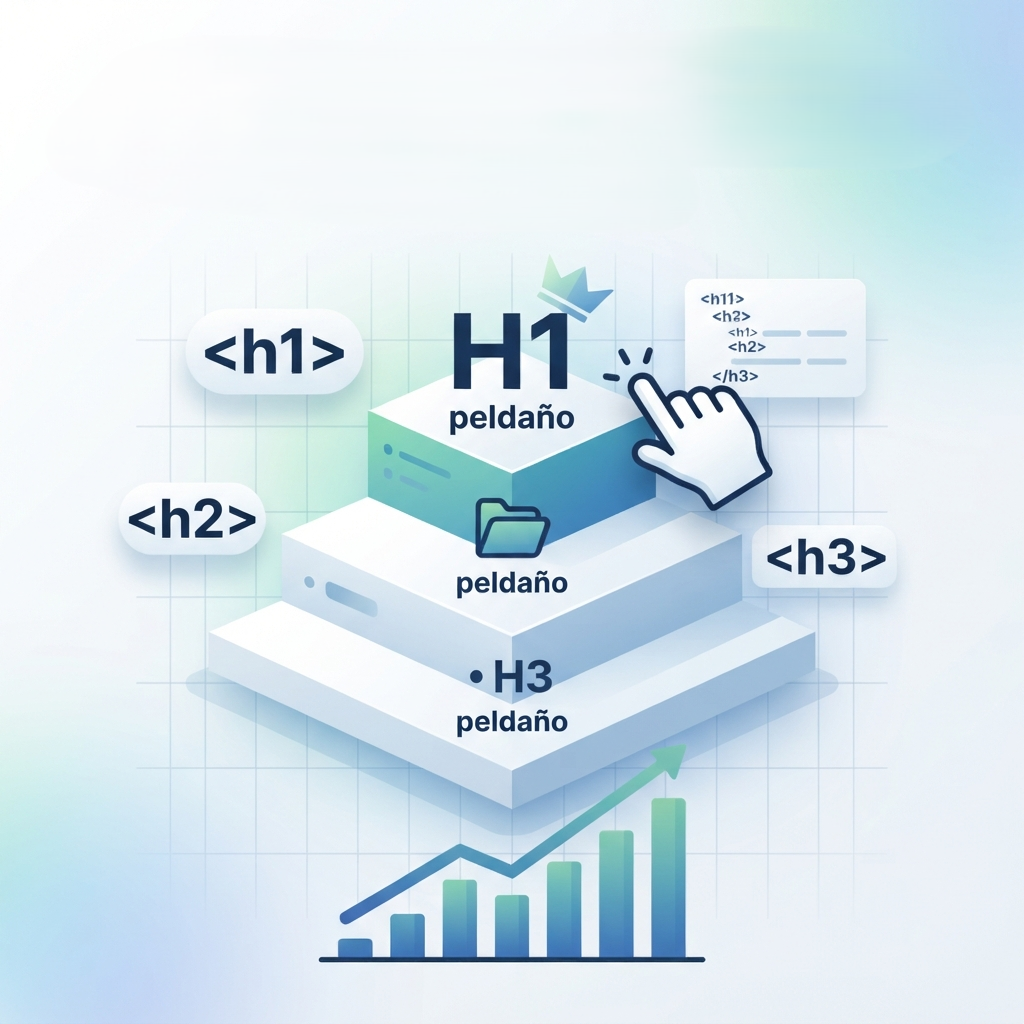
Without a clear hierarchy, your content is a block of text that’s hard to scan. With a well-defined hierarchy, you guide the reader, improve your on-page SEO and make it easier for AI to cite you.
Here are the basic rules so your structure is flawless. If you’re starting from scratch, begin with what SEO is and how it works and the complete On-Page SEO guide.
The golden rule: one H1 per page
The H1 is the main title of the page and it should be unique. It’s the first and most important signal that search engines and users receive about the central topic of your content.
Having more than one H1 confuses. Browsers and search engines may interpret that there are multiple main topics, diluting the focus of your page.
Although technically possible, the professional and accessibility recommendation is to use a single H1 per page.
The title of your article in WordPress or the one you see at the top of the page is usually the H1.
Use descriptive and useful headings
Headings don’t just organize, they also convince. A user who scans your page will mainly read the titles to decide whether the content interests them. That’s why they should be clear and descriptive.
- Be specific: a title like «Introduction» or «More information» adds nothing. Instead, use phrases that summarize the section’s content, like «How to install the SEO plugin on WordPress».
- Include your keywords: incorporating the main terms in headings (especially H1 and H2) helps search engines identify the relevance of your content for a specific query. If you want to fine-tune it, check out how to choose keywords wisely.
- Start with the keywords: placing the most important words at the beginning of the heading (frontloading) makes it easier for the reader to identify them instantly, both on the page and in search results.
- Avoid «keyword stuffing» or forcing the repetition of a keyword in the headings. They should sound natural and be written for people, not just for algorithms.
This ties directly into the differences between SEO copywriting and standard writing.
Logical hierarchy without jumps
After the H1, the structure should be coherent. You can’t jump directly from an H1 to an H3 or H4. Headings should follow a numerical and logical order:
- H1: main title of the page.
- H2: main sections of the content. They should cover the big thematic blocks.
- H3: subsections within an H2. They’re used to detail specific points of that section.
- H4 (and so on): for even more specific subdivisions, although in most content you rarely go beyond H3 or H4 to avoid complicating the structure.
Example of correct hierarchy:
- H1: Gardening guide for beginners
-
H2: Basic tools you need
- H3: Types of pruning shears
- H3: How to choose the best rake
-
H2: Soil care
- H3: How to prepare the soil for planting
- H4: Soil pH analysis
It’s important that each heading is accompanied by content that develops it. You shouldn’t «stack» several headings with no text between them. This gives the reader context and improves the readability of the snippet shown in search results.
And if you want AI to understand this structure too, check out how to optimize your site for AI (GEO) and how to optimize meta title and meta description, which work in the same direction.
In summary: one H1 per page, descriptive headings with keywords at the beginning, and an H1 → H2 → H3 → H4 hierarchy without jumps or empty blocks. Apply it and you’ll notice the difference in how Google, AIs and, above all, people read you.
If you want a specialist to review your site’s structure, I audit your headings, detect hierarchy jumps and give you a clear plan to restructure the content. Tell me about your project and I’ll reply in less than 48 hours.

Want your content structured like a professional?
I review your headings hierarchy and help you optimize your site’s on-page SEO for both Google and AI.